
On this page
Overview
A VPN and a VPS solve different problems, and the names get confused constantly. A VPN encrypts your internet traffic and routes it through another location, mainly for privacy or to appear as though you're browsing from somewhere else. A VPS is a rented remote computer you run software on. You can use a VPS to build a VPN, but the two terms are not interchangeable.
If your goal is genuinely to make your own VPN rather than just subscribe to one, here are the three real paths.
Option 1: subscribe to a VPN service

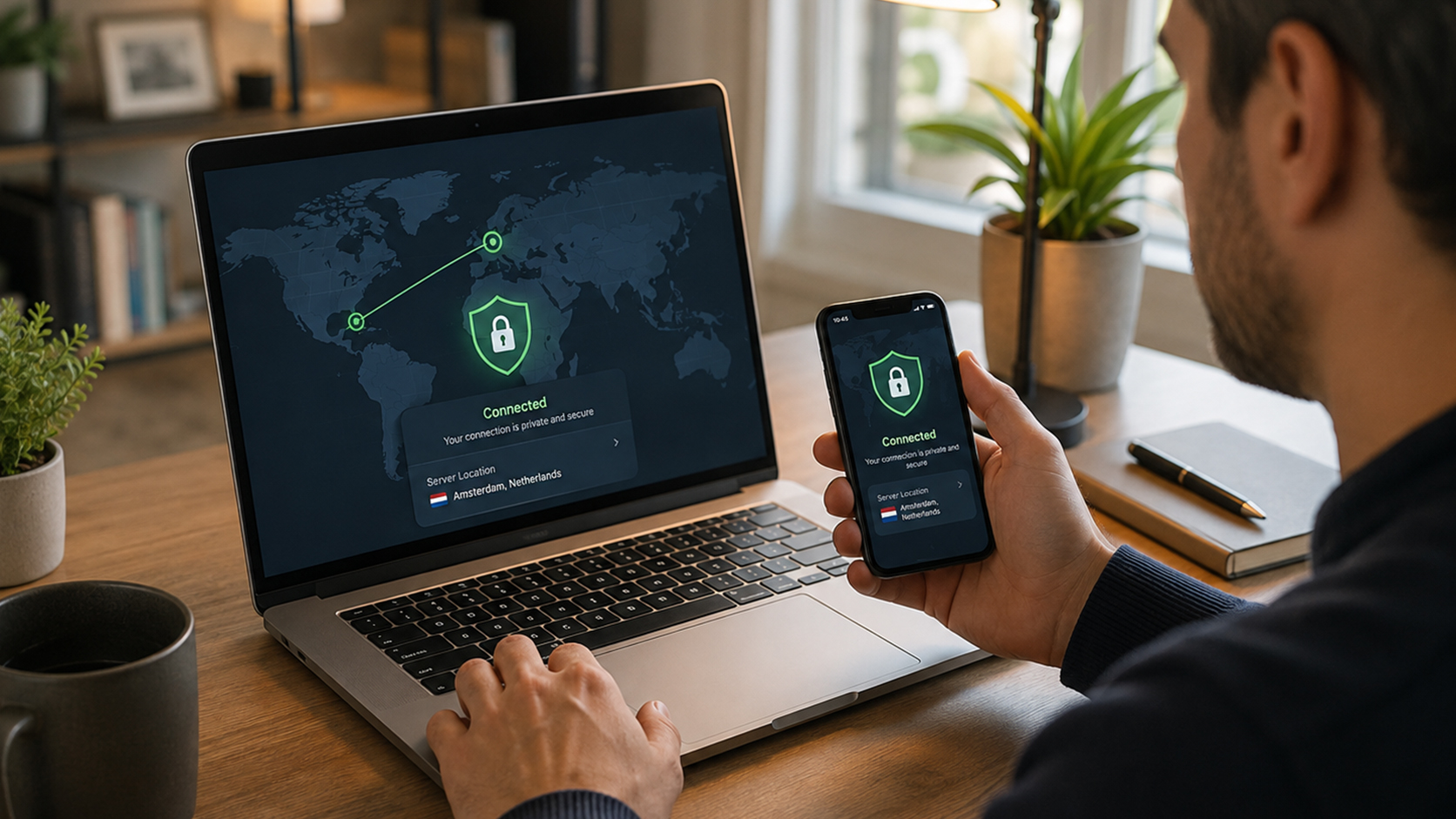
This is not "making" a VPN in the strict sense, but it's worth ruling out first since it takes five minutes and covers most people's actual need. A paid VPN service handles the servers, the encryption, and the app, and you just install it. The tradeoff is that you're trusting a third party with your traffic and have no control over the exit server's location beyond whatever list they offer.
Option 2: use your router's built-in VPN server
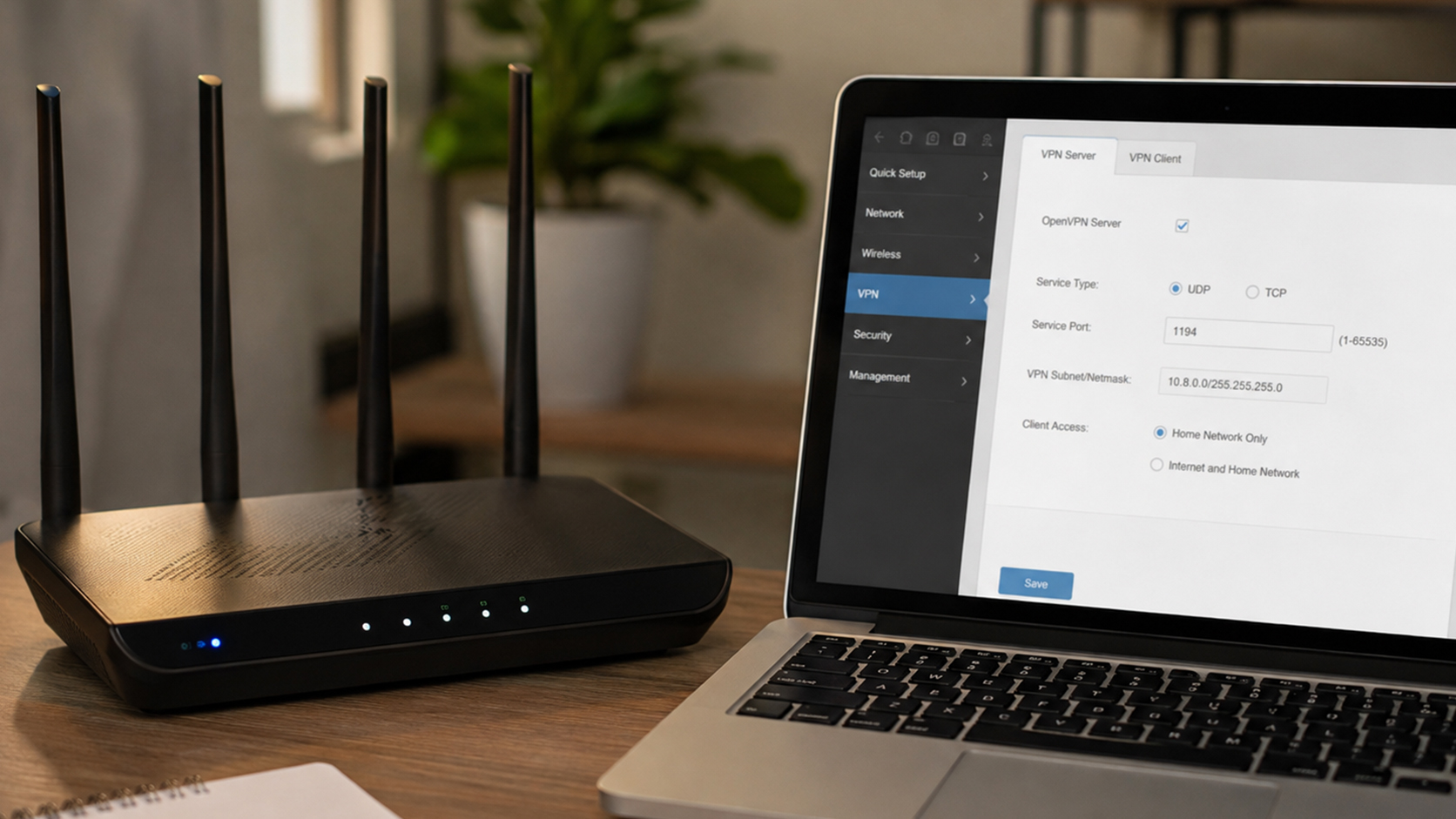
Many consumer routers, and most running open-source firmware like DD-WRT or OpenWrt, include a built-in VPN server option, usually OpenVPN or WireGuard. Turning this on lets you connect back into your own home network from anywhere, which is useful for accessing files or devices at home but does not anonymize your everyday browsing the way a commercial VPN does, since your traffic still ultimately exits through your home internet connection.
This option also depends heavily on your home connection's upload speed and reliability, since every byte your remote device sends and receives now travels through your home router. A residential connection with a slow or capped upload tier will bottleneck this setup noticeably, which is one reason people who need this running constantly often move to a self-hosted VPS instead.
Option 3: self-host on a VPS

This is the closest thing to actually building your own VPN, and it gives you full control over the server, the location, and who has access.
Rent a VPS in the region you want your traffic to appear to come from. Most cloud providers offer hourly or monthly Linux instances.
Install WireGuard, currently the fastest and simplest option to configure, using your distribution's package manager (apt install wireguard on Debian/Ubuntu, for example).
Generate a public and private key pair on the server, and a matching pair for each device you want to connect.
Configure the server's WireGuard interface with the tunnel's internal IP range and open the corresponding UDP port in the VPS provider's firewall settings.
Install a WireGuard client on your device, load your configuration, and connect. Traffic from that device now routes through your VPS.
This route takes longer to set up than a commercial VPN app, but you're the only one with access to the logs, and you control exactly where the server sits. Renewing the server's IP periodically, or choosing a provider that offers a static one, is worth planning for too, since some services will otherwise flag a VPS's IP range as non-residential traffic over time.
Don't confuse this with a trading VPS
A VPS built for running a personal VPN and a VPS built for trading are configured for entirely different jobs. A trading VPS like PropVPS runs Windows Server, sits inside the same datacenter as major exchanges for the lowest possible latency, and is optimized to keep MetaTrader, NinjaTrader, or cTrader connected and executing around the clock. A general-purpose VPS used as a VPN endpoint has no need for exchange proximity and is optimized for something else entirely: routing your personal traffic privately. If you need both, expect to run them as two separate services rather than one machine doing double duty.
For Trading, Use Infrastructure Built for It
A self-hosted VPN is a great project for personal privacy, but it's the wrong tool for running MetaTrader or NinjaTrader reliably. PropVPS is a dedicated trading VPS, purpose-built inside Equinix datacenters next to major exchanges, with sub-1ms execution and a Windows Server environment pre-configured for trading, not general-purpose routing.