
On this page
Overview
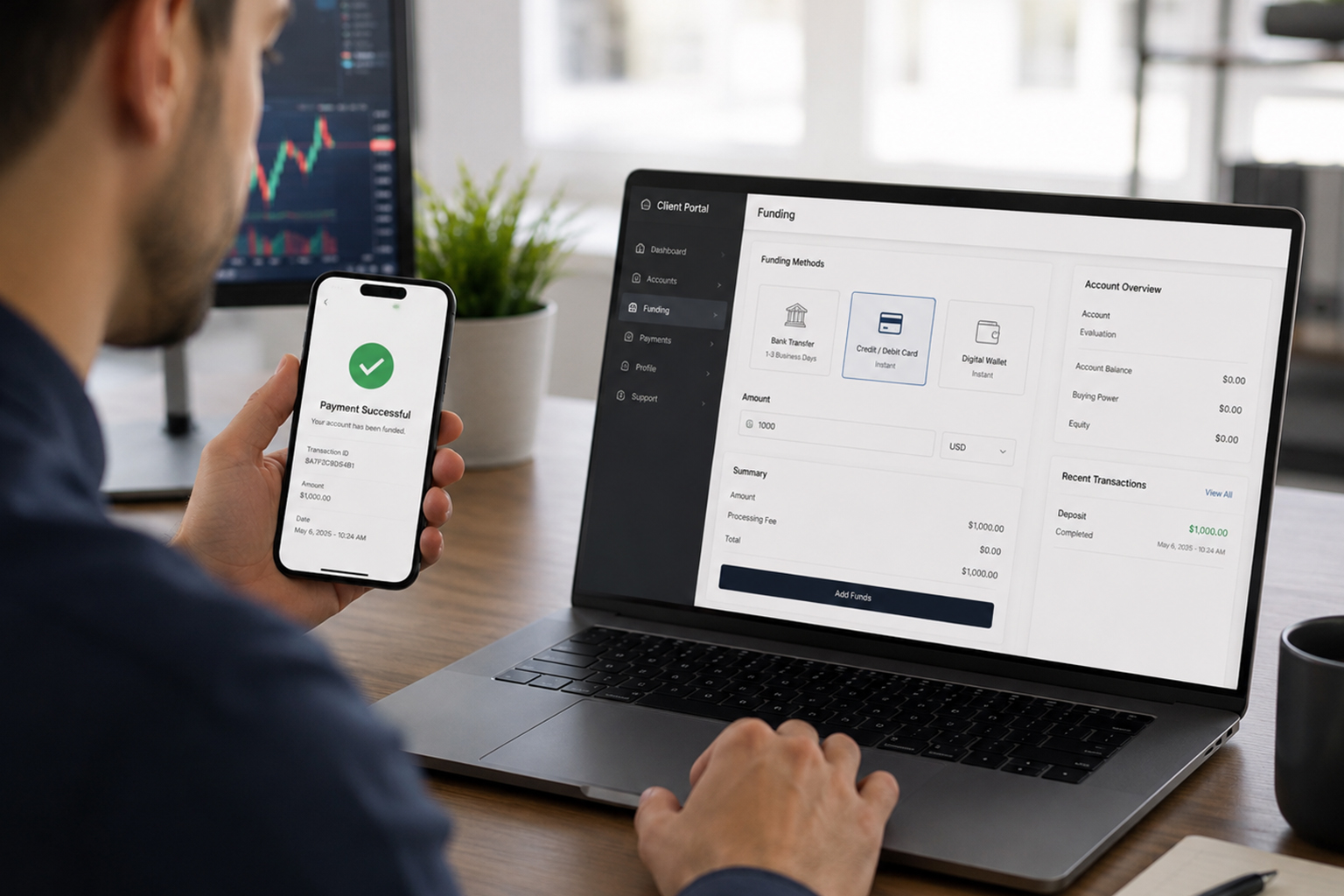
TradeLocker is not a broker. It is a white-labeled trading platform that brokers and prop firms license and rebrand as their own, similar in role to MetaTrader but built browser-first. That distinction matters the moment you try to fund an account, because TradeLocker itself does not process your money. Whichever firm issued your login handles deposits, and the steps below vary slightly depending on which one you are using.
Where deposits actually happen
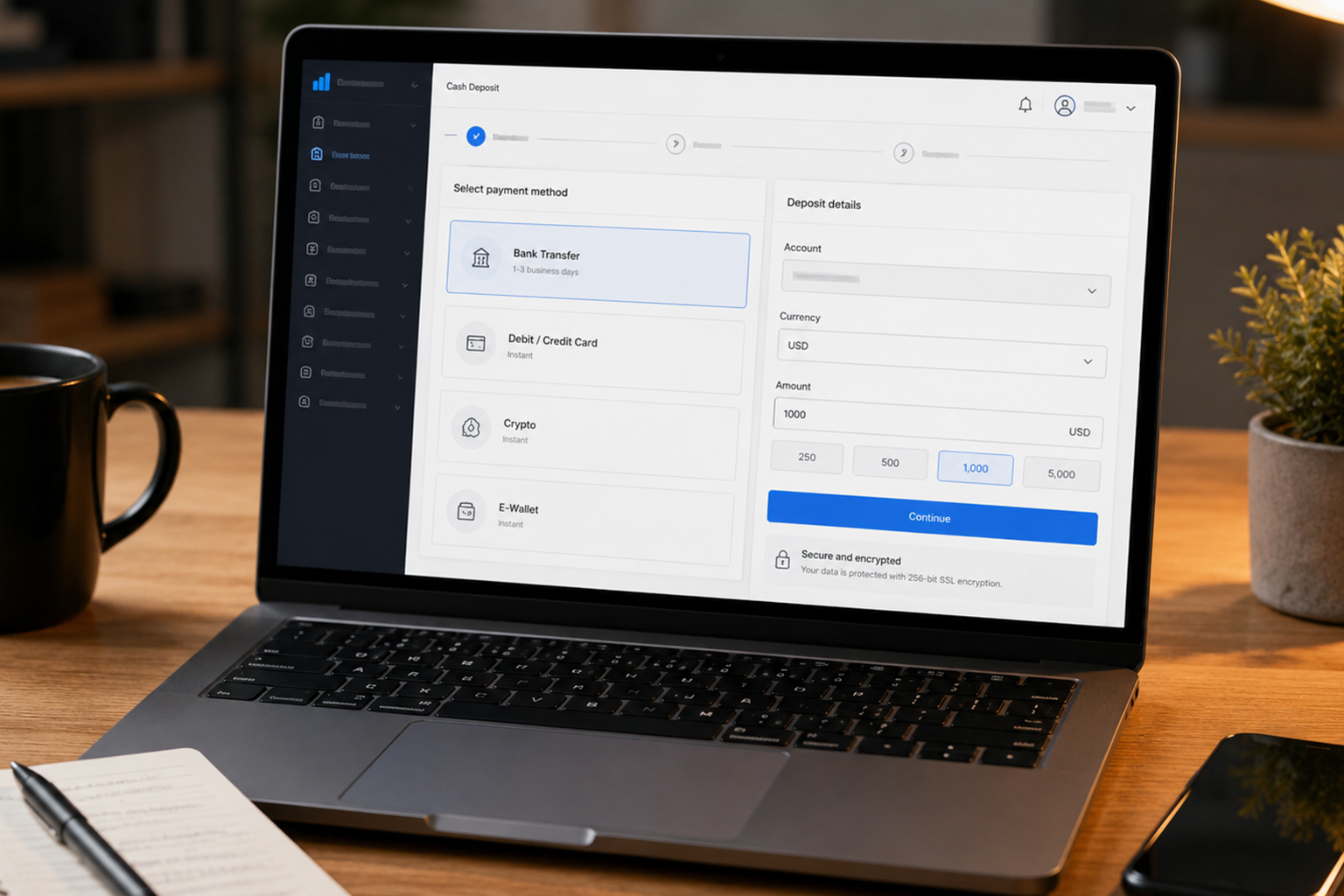
Log into your account through the exact URL your broker or prop firm gave you, not a generic TradeLocker address. Most firms route funding through a separate client portal or cashier page rather than inside the trading interface itself, so look for a link labeled Deposit, Wallet, or Fund Account on your dashboard before you open the charts.
It helps to think of TradeLocker as the front end you trade through and the broker's back office as the bank. The two are connected but run on separate systems, which is why a deposit can sometimes show up in your broker portal's transaction history a minute or two before your TradeLocker balance actually updates. If the numbers don't match immediately after a payment, that lag is usually the reason, not a lost payment.
General steps to add funds

Log into the client portal (not the trading terminal) for the broker or prop firm that issued your account.
Complete identity verification if you have not already. Most firms require this before releasing the deposit option.
Open the Wallet or Funding section and select a payment method. Common options are bank transfer, debit or credit card, and increasingly crypto for prop firm evaluation fees.
Enter the amount, confirm the currency, and submit. Card and crypto deposits are usually instant to a few minutes; bank wires can take one to three business days.
Return to your TradeLocker dashboard and refresh. Funds should appear in your account balance once the payment clears on the broker's side.
Prop firm accounts work differently
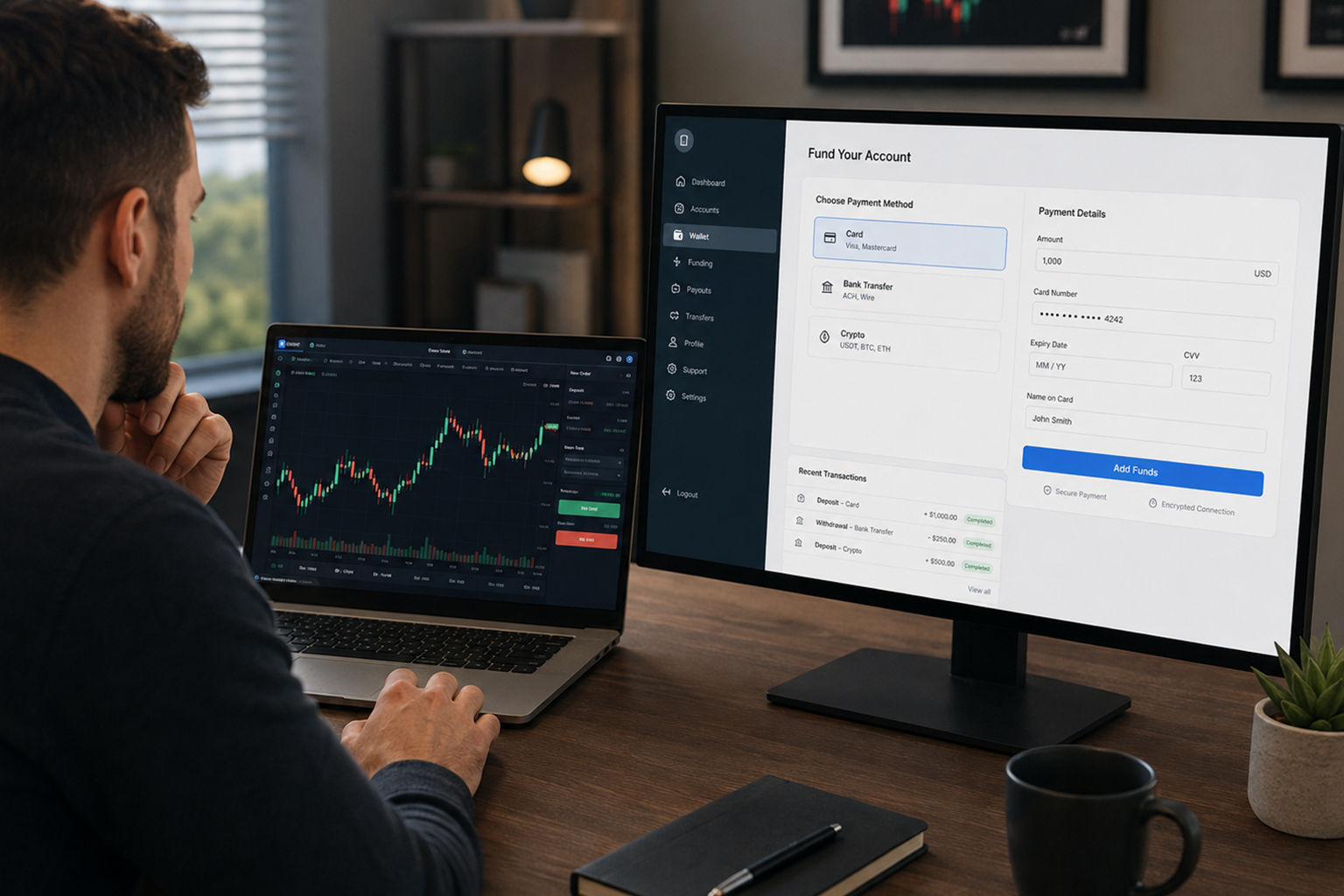
If your TradeLocker login came from a prop trading firm rather than a retail broker, you are not funding a live account in the traditional sense. You are paying an evaluation fee to unlock a simulated account with a set balance, and that fee is fixed by the account size you chose at checkout. There is no separate deposit step after that, and you cannot add extra capital to a challenge account mid-evaluation. Once you pass and move to a funded stage, you draw a profit split rather than depositing further money.
This trips people up who come from a retail broker background, where topping up an account mid-strategy is normal. On a prop firm account, the balance you see is simulated capital the firm is risking, not your own money sitting in a wallet, so there is nothing to "add to" beyond the original evaluation purchase. Any further payments you make to that firm, such as a reset fee after breaching a rule, are treated as a new product purchase, not a deposit.
Before you send money
Confirm the deposit page uses HTTPS and matches the exact domain your broker gave you at signup.
Check minimum deposit amounts and any card processing fees before choosing a payment method.
Screenshot your payment confirmation, especially for bank wires, in case support needs to trace the transaction.
If a deposit does not appear within the stated processing window, contact your broker's support directly rather than TradeLocker, since they hold the funds.
Once your account is funded, keeping TradeLocker running without interruption matters just as much as getting the money in. A VPS hosted near your broker's servers keeps your open positions monitored and your automation active even when your own computer is off.
Keep TradeLocker Running After You're Funded
A funded account is only as good as the uptime behind it. PropVPS gives you a dedicated Windows VPS with 99.99% uptime and sub-1ms execution to major exchanges, so TradeLocker, your automation, and your open positions stay live even when your own device is off or your home internet drops.
Explore PropVPS features: https://propvps.com/features